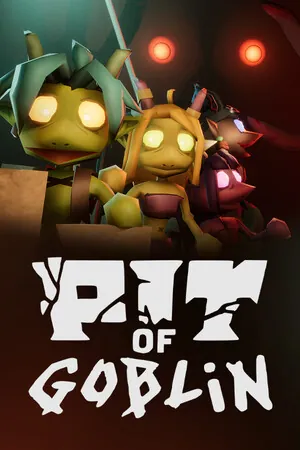
 Pit of Goblin
PIT OF GOBLIN save location and lost items
PCGamingWiki is the single source for this Windows save folder: %USERPROFILE%\AppData\LocalLow\Friendly Foe\Pit of Goblin\SaveFiles\. Early Access saves do not carry into 1.0. Patch 1.0.4.1, dated 5 November 2026, says saves should no longer be half-broken when you save with magic equipped.
Where the files are
Copy that folder only while the game is closed. That is a normal backup habit, not an official restore wizard. I do not have public filenames for each slot, so I am not telling you which file to edit.
Steam Cloud and Xbox cloud saves are listed for their own platforms. Nothing I read says a Steam cloud save merges with an Xbox or PlayStation save. Treat them as separate.
Missing items after a save
If items vanished and you had magic equipped, update to 1.0.4.1 and see whether new saves keep the items. The note is specific: semi-corrupted saves when magic is equipped. It is not a general “restore my Early Access file” switch.
A developer reply on the 1.0 questions thread says old saves will not work because too much changed. If a new 1.0 save is still missing, send Player.log from %localappdata%low\Friendly Foe\Pit of Goblin\ to [email protected].
Questions
Can I keep my Early Access save?
The developer said old saves will not work with 1.0. Plan on a new file.
Where is the log?
%localappdata%low\Friendly Foe\Pit of Goblin\Player.log — that path is from a developer reply, not from a guess.
Related
Sources
- Steam news: patch 1.0.4.1 — checked 2026-11-06
- Steam store page for PIT OF GOBLIN — checked 2026-11-06
- PCGamingWiki: PIT OF GOBLIN — checked 2026-11-06
- Steam: old saves and 1.0 — checked 2026-11-06
- Steam: log path — checked 2026-11-06
Full ledger: sources and check dates.